Sign In With Just Your Email: One-Time Passcodes Are Here

October 28, 2026
Jumbotron
One-Time Passcodes Are Here!

What’s new

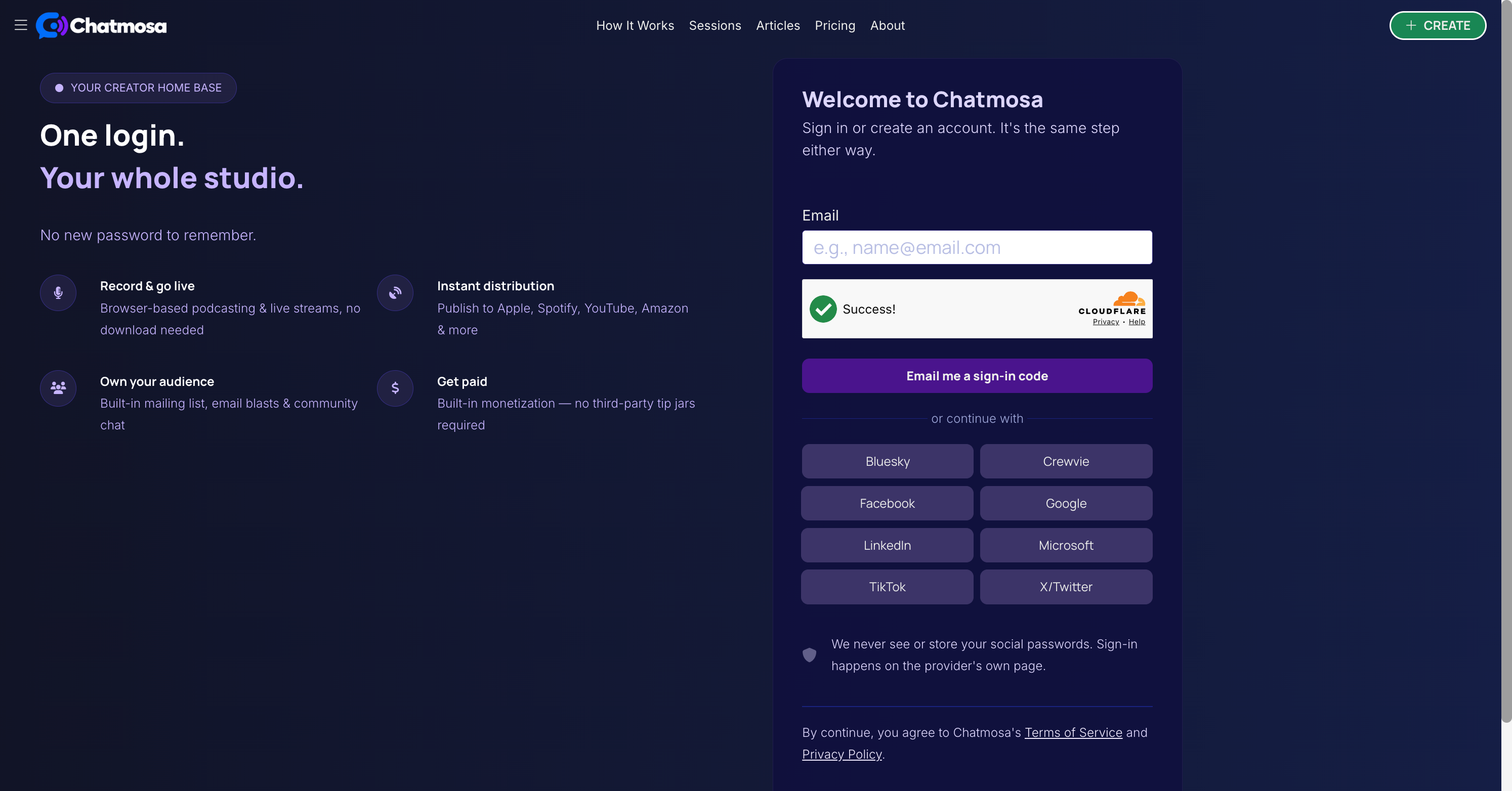
✅ Sign in with any email address.

On the Sign In page, enter your email and tap Email me a sign-in code. We’ll send a one-time passcode (OTP) to your inbox.

✅ One code, one step.

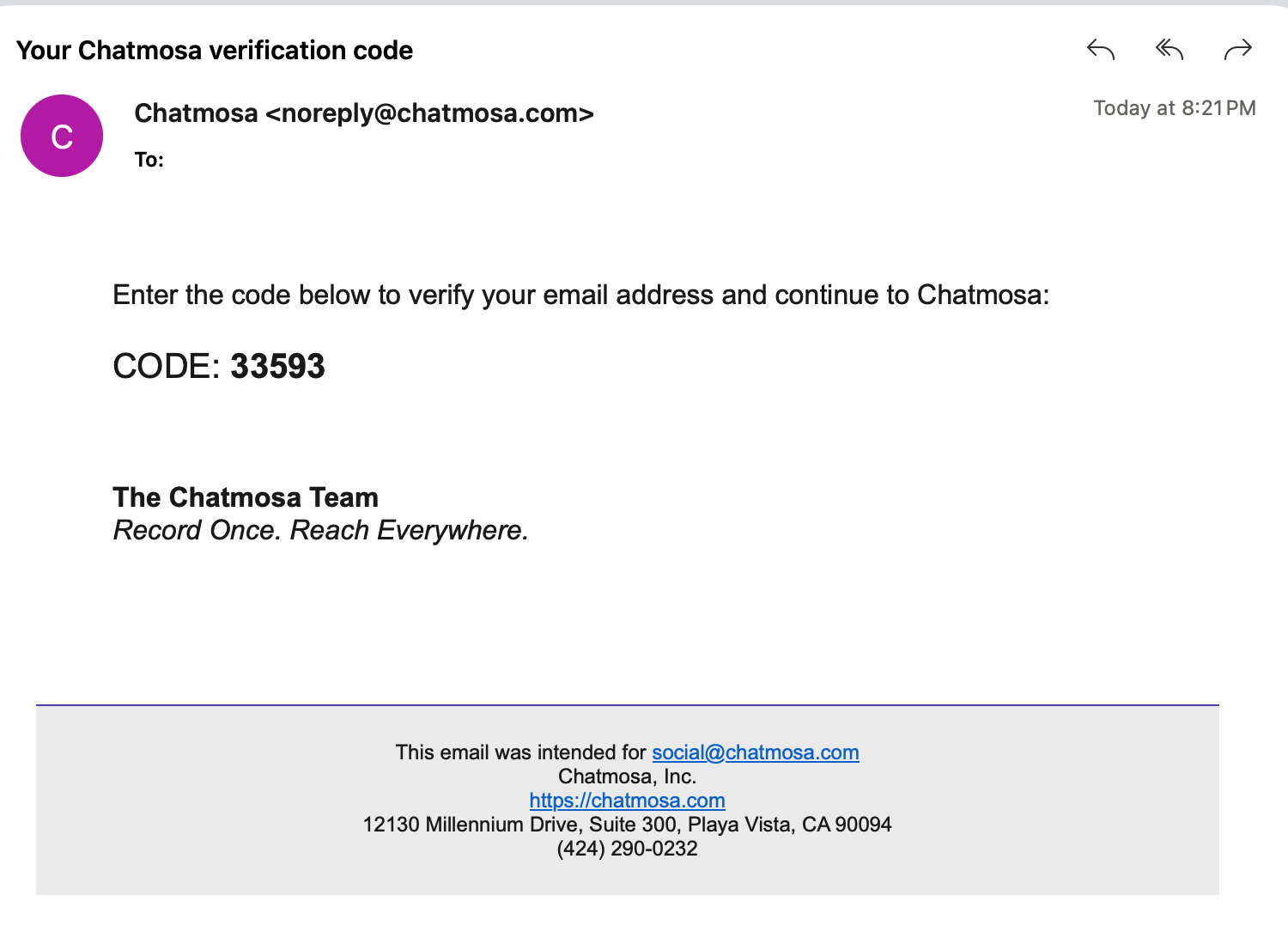
Open the email titled “Your Chatmosa verification code,” enter the code, and tap Verify code and sign in. That’s it.

✅ Sign in and sign up are the same step.

New to Chatmosa? The same flow creates your account. No separate registration form.

✅ Social sign-in still works.

Prefer Bluesky, Crewvie, Facebook, Google, LinkedIn, Microsoft, TikTok, or X? Those buttons are right below the email field.
Chatmosa Welcome 10 28 2026 08 20 PM

Why it matters

No new password to remember.

Your inbox is your key. Nothing to create, store, or reset.

Use the email you actually work from.

Keep your creator account tied to your business or show email instead of a personal social profile.

Faster for guests and co-hosts.

Invite someone to your session and they can get in with just their email, even if they don’t use the same social networks you do.

One less reason to bounce.

Fewer steps between “I want to join” and “I’m in.”

How to do it

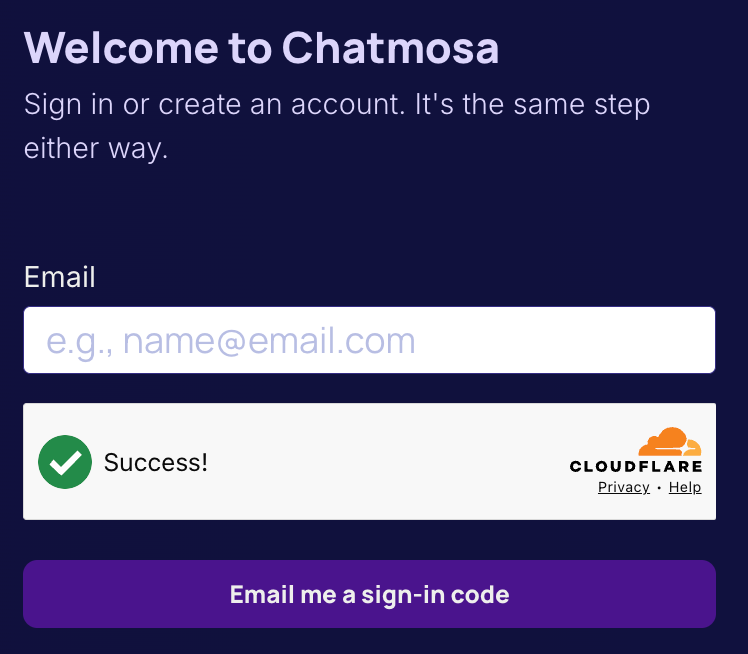
- Go to chatmosa.com and tap Sign In (or Create).
image

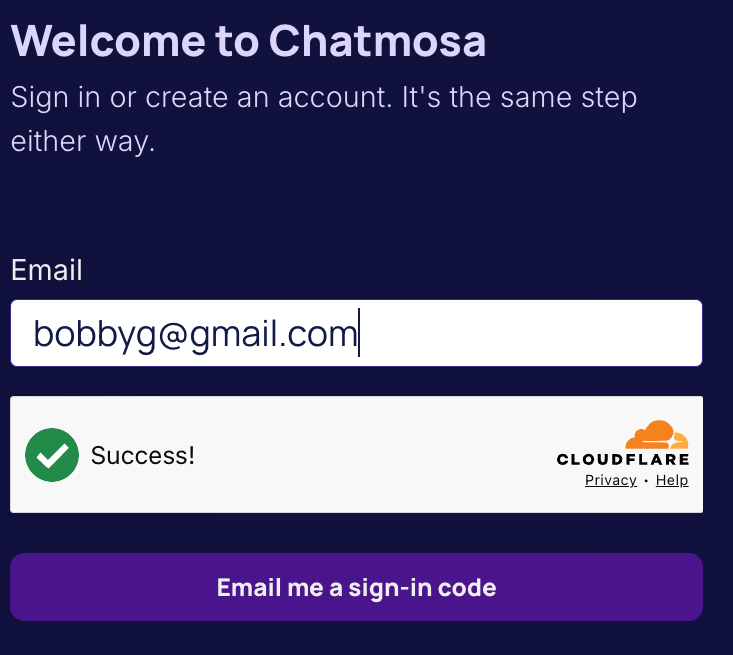
- Enter your email address and tap Email me a sign-in code.
image

- Check your inbox for an email from [email protected].
Chatmosa!

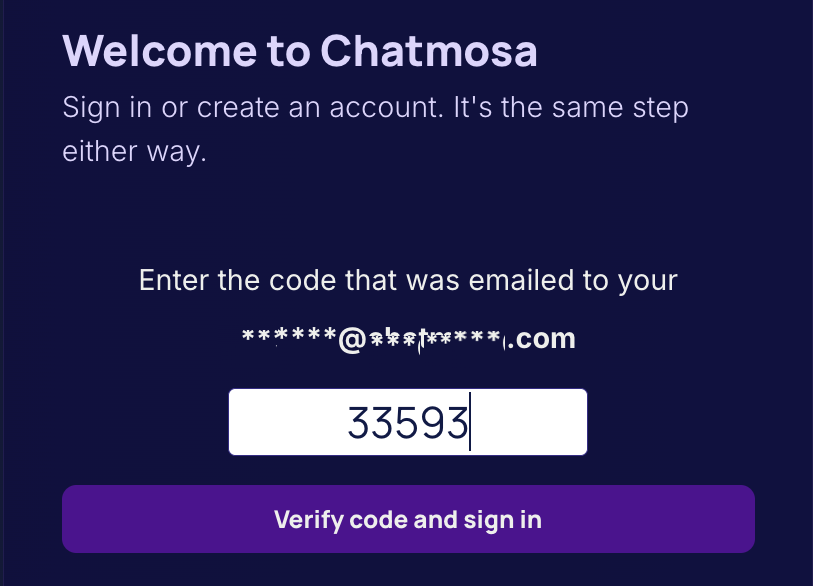
- Enter the code and tap Verify code and sign in.
image

Didn’t get it? Check spam, or tap Start over to send a new code.

One login. Your whole studio.

#chatmosa
  • #News
  • #Technology
How It Works
1
Listen / Participate

ENTER a LIVE Session of your choice.

Listen in or request to become a speaker to share your story through links, photos, or screen sharing. Want to connect face-to-face? Turn on your camera to share your live video feed — whether as a small avatar or as part of a panel displayed on the jumbotron.

2
Host A Session

At the top of each page, click the Create Session button. Share the link with your newsletter subscribers, social media followers, or other intended attendees.

Bring your stories to life through links, photos, screen sharing, or your device's camera feed. Engage your audience with interactive polls.

You can make your session open to everyone, keep it private, or set an admission fee for exclusive access.

3
Become A Podcaster

Chatmosa streamlines podcast production, whether you're hosting solo or collaborating with others in your session. And the best part? You can publish your podcast directly from your mobile device—making it simple to record, manage, and share your content anytime, anywhere.

This feature is available exclusively to paid subscribers. Head to your Account Settings to set up your podcast—add the right information and upload the required artwork.

Once set up, an RSS feed will be generated for you and hosted by Chatmosa. Simply copy and paste the link into your preferred podcast platform. That's it — set it and forget it! Your public and recorded sessions will automatically be added to your podcast feed.