Episode 24 - Bikes, Publishing, and Substack
Episode 24 of Chatmosa - Podcasters in Training brings the Chatmosa team back together for a lively conversation about podcasting, creator community, and the future of media. Hosted by David - Head of Product and joined by Camille - CEO, Sandra - CTO, Auntie Derek - Head of Growth and special guests, Nish from Nish's Niche and soon-to-be podcaster - Nicole, from Keipeki Publishing and our live podcaster Alec Schreck from Capitol Hill Media, reporting live from the Life Time Sea Otter Classic Cycling Festival in Monterey.
This episode moves from the buzz of a major bike festival to bigger conversations about technology, audience connection, and how creators can build something real around their voice.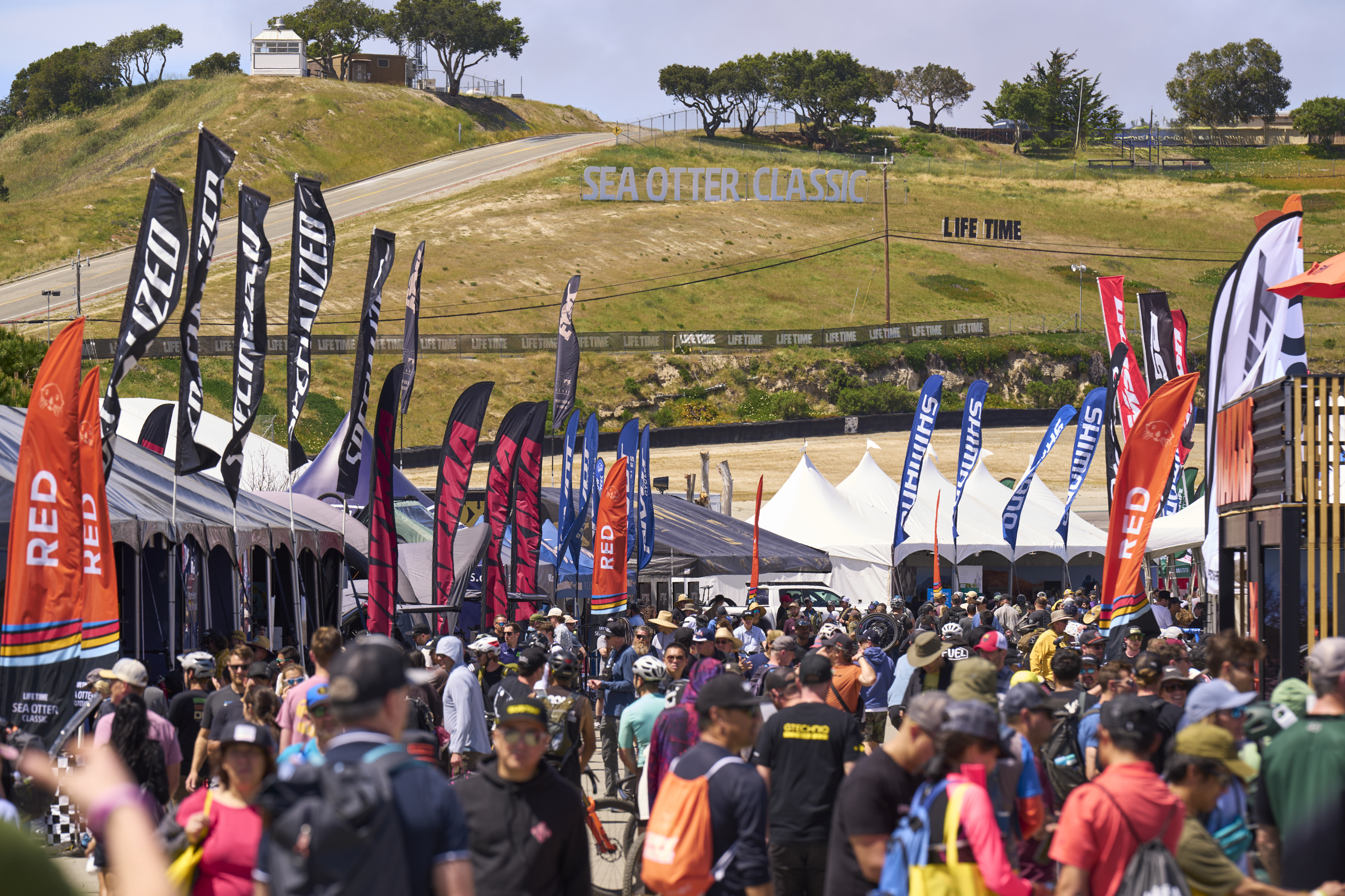
Life Time Sea Otter Classic - Monterey, CA
Alec shares live on-the-ground insights from the Life TIme Sea Otter Classic, including conversations with the Aventon - Ebike team about Ebike innovation, product evolution, and why community feedback matters. T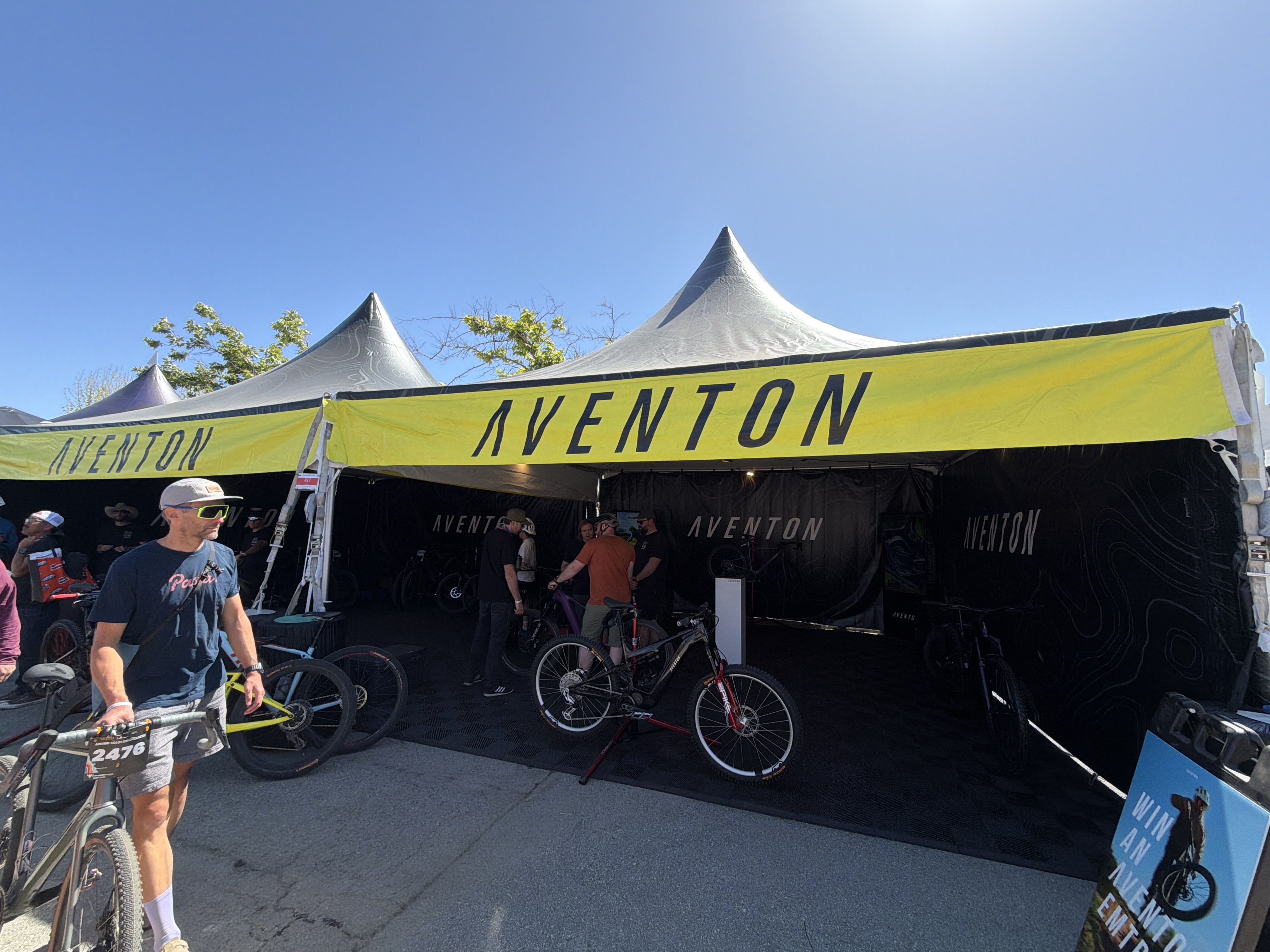
Aventon Ebikes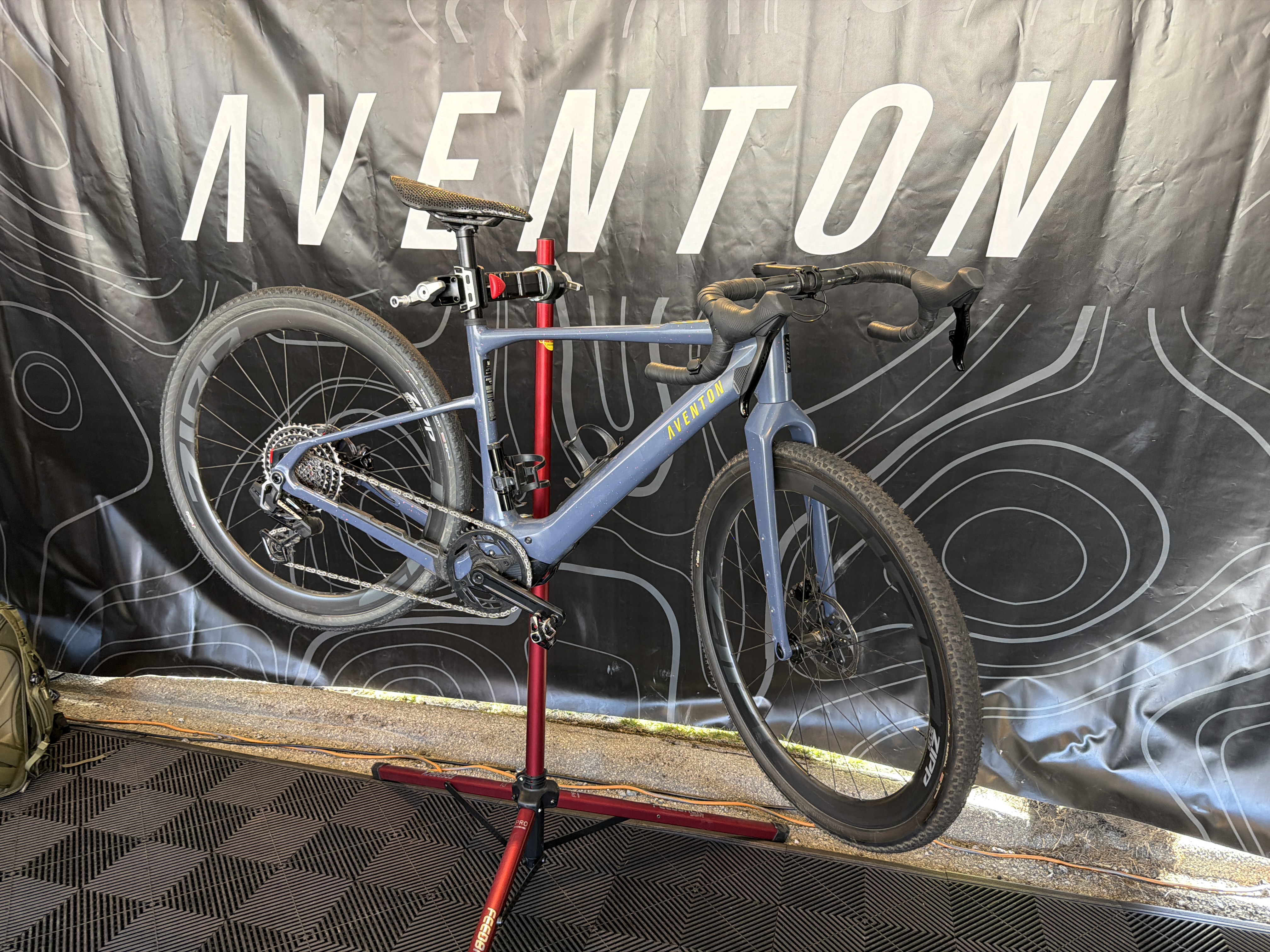
Aventon Ebikes
The highlight of the episode emerged as the team engaged with Aventon brand specialists like Casey and Chris from Aventon. They discussed the latest advancements in Ebike technology, including innovations like GPS bike tracking and user-friendly electrical components.
Casey Welch is a Product Specialist at Aventon Bikes and works in Brand Development and Events. He explained the GPS and 4G technology in all Aventon Bikes. Aventon utilizes the Aventon Control Unit (ACU), a 4G-enabled cellular and GPS module integrated into newer models like the Abound SR and Level 3, to prevent theft and track bikes. It offers live GPS tracking via the app, geofencing, motion-detected alarms, remote disabling, and a smart rear wheel lock to prevent theft.
Follow Casey at KC Wheelies on Instagram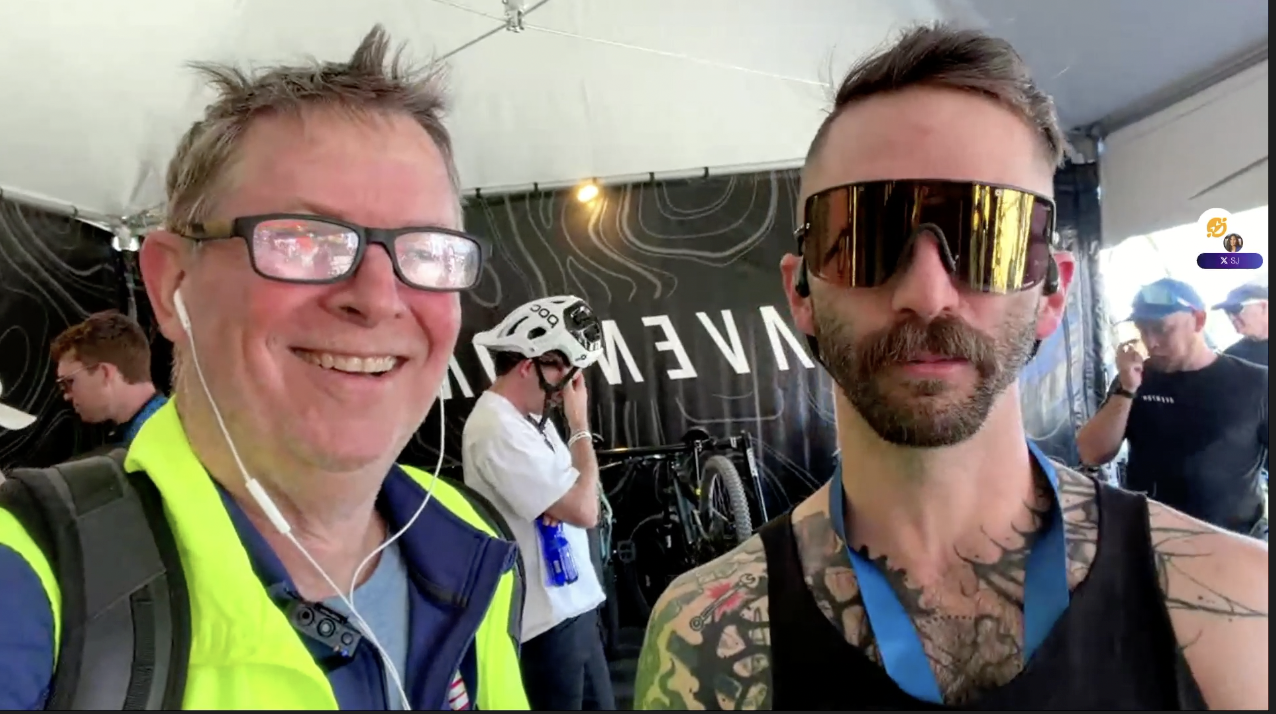
Casey Welch - Product Specialist Aventon Bikes
Chris also shared insights about the evolution of Aventon and its journey from traditional bikes to Ebikes and now Mountain Ebikes and an influential player in the whole Ebike arena, emphasizing the importance of community and user feedback in shaping their products.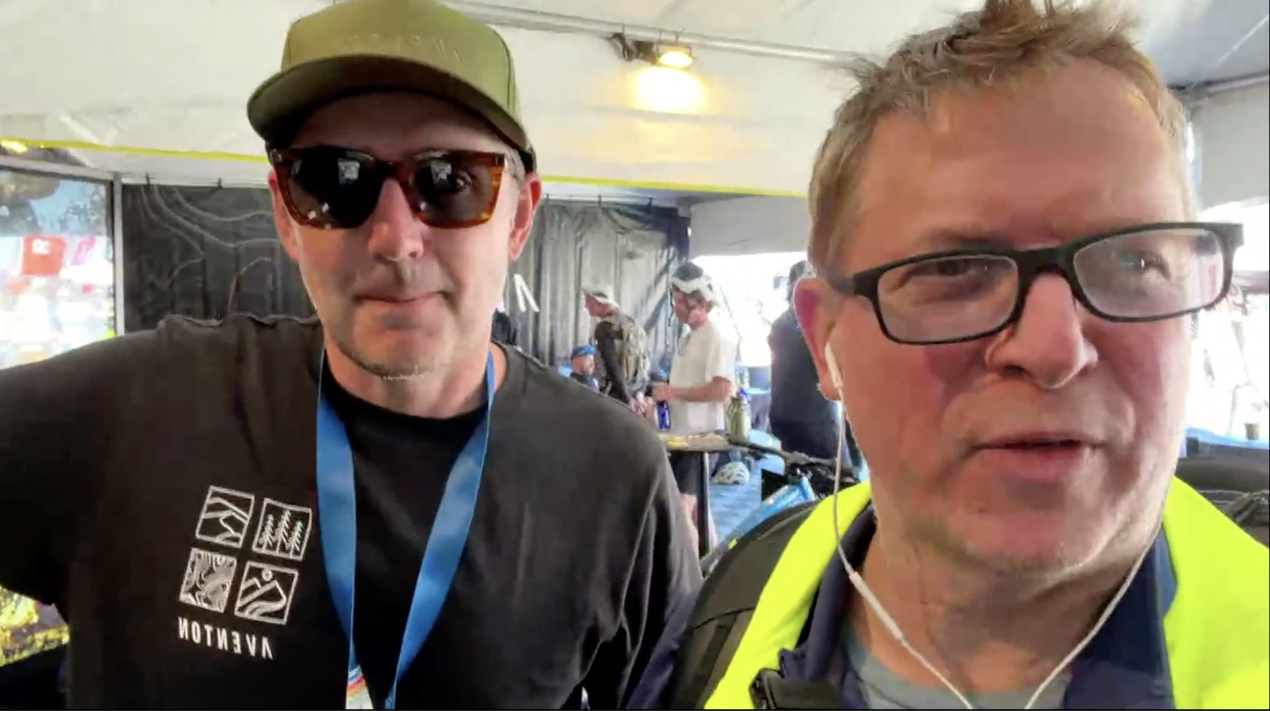
Chris - Aventon Bikes
Alec then stumbled on legendary mountain biker, Mountain Bike Hall of Fame (MTB) rider Brett Tippie. "Tippie": is a larger-than-life ambassador for Aventon Bikes and is known for helping shape freeride culture with his fearless riding, infectious energy, and deep connection to the biking community. More than a former pro athlete, he’s celebrated as one of the sport’s great storytellers and promoters who inspires everyone from elite riders to first-time fans.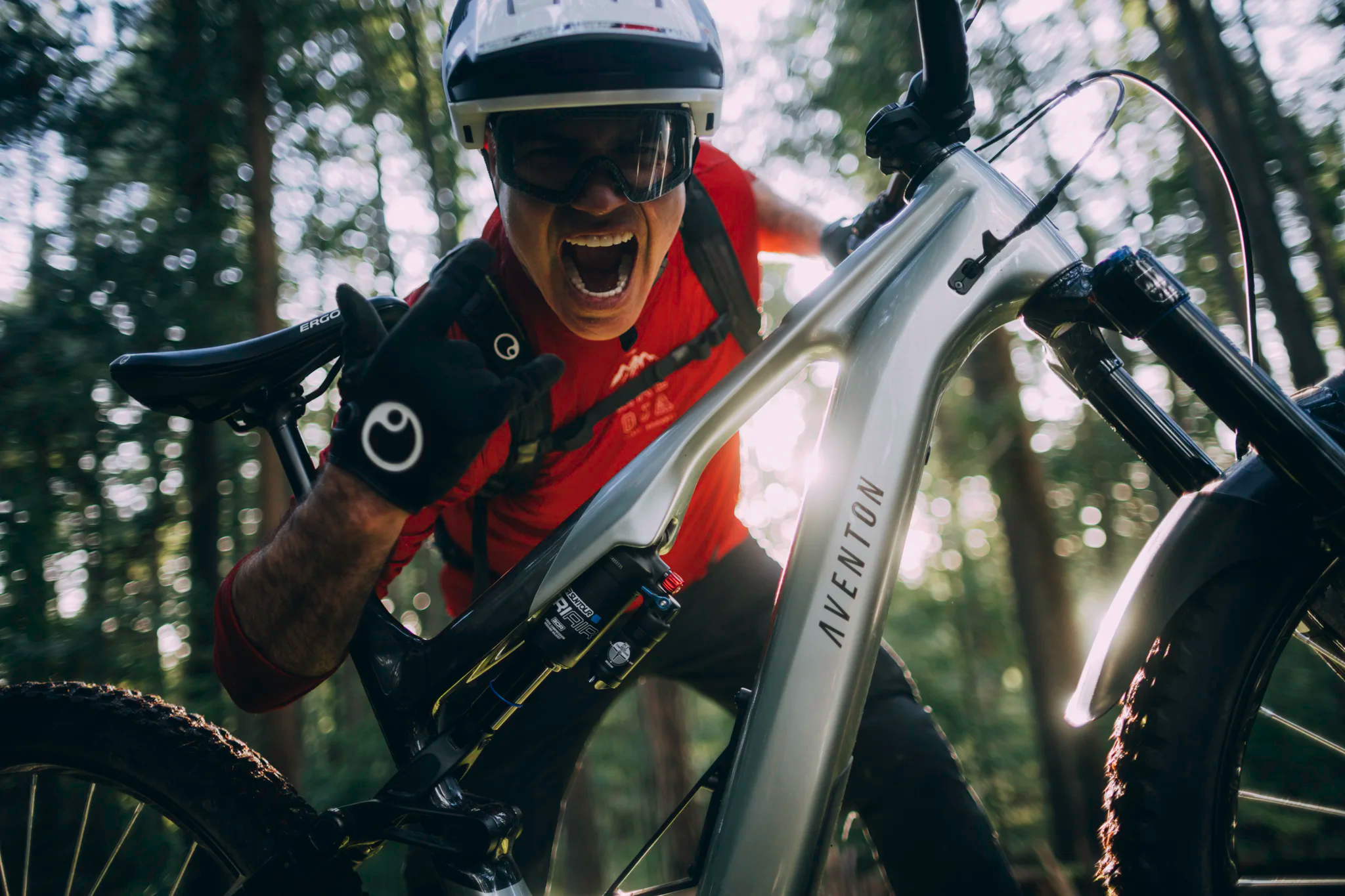
Legendary Mountain Biker Brett Tippie from Aventon Ebikes
Alec then signed off to participate in an actual race, so the Chatmosa team transitioned on, to discuss the future of podcasting.
They chatted about why new podcast creators should start, why experimentation matters, and how finding your voice takes practice.
Nicole, from Keipeki Publishing talked about creating a podcast to showcase writers and their stories and how Chatmosa can be used to created companion video and audio content, to written articles.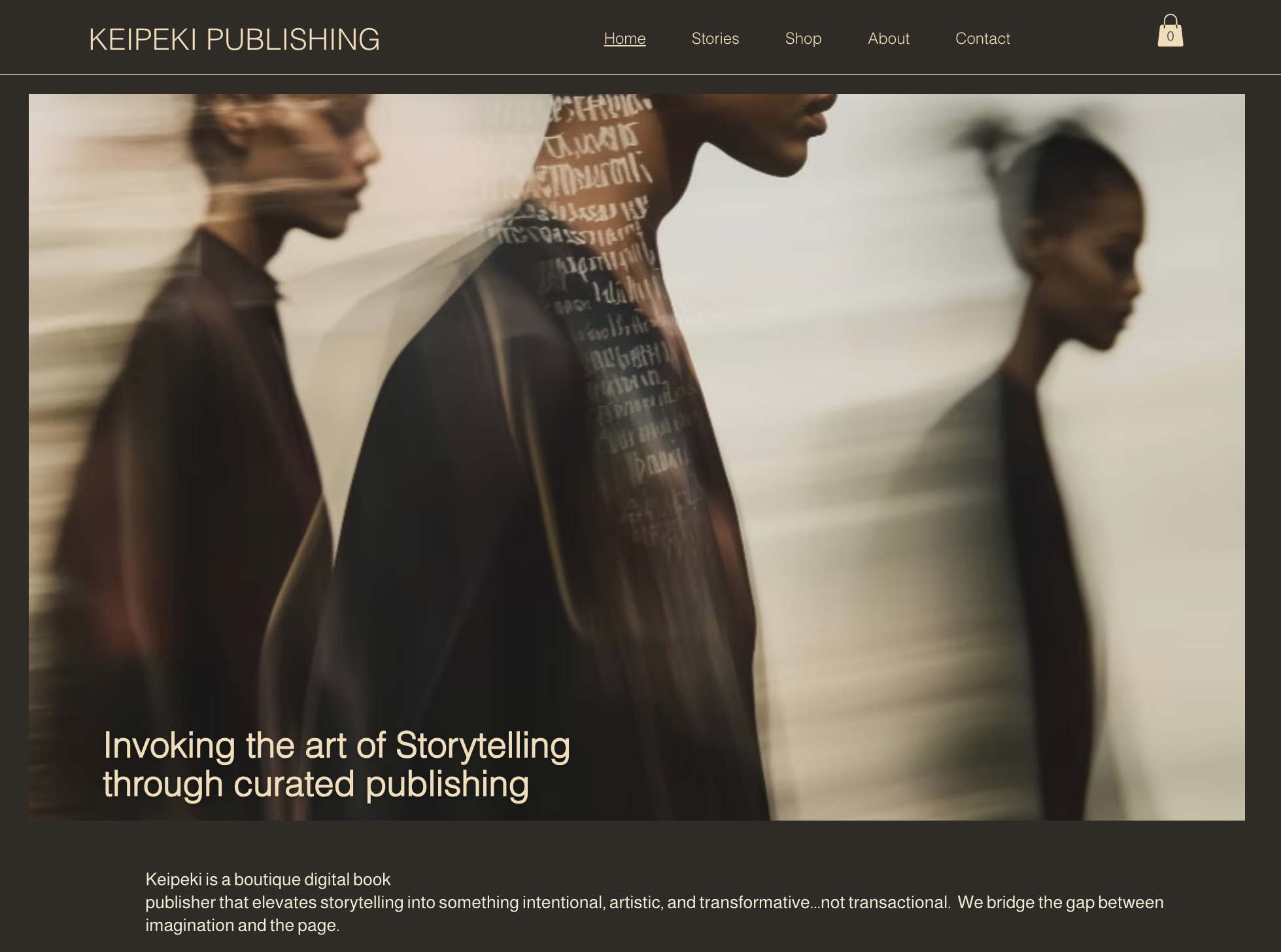
Keipeki Publishing
Nicole is the founder of Keipeki Publishing and believes that books are the heartbeat of culture. Keipeki was created for storytellers who dare to bring forward original, meaningful narratives and stories that stand apart.
Nicole and the Chatmosa team explored the challenges and advantages of using platforms like Substack, shedding light on the shifts in how creators are distributing their content. “Lately, there’s been chatter about Substack pushing harmful content,” Nicole noted, prompting a spirited discussion about the importance of ethical considerations in content creation. This resonated with the overall theme of building a supportive and conscientious community in the podcasting space.
Key Takeaways:
- Need a Bike or an Ebike? Check out Aventon!
- Looking for emerging authors? Read articles from emerging authors at Keipeki Publishing
- Great products grow through real community feedback, not just top-down decisions.
- New podcasters do not need to be perfect. Start small, experiment, and get comfortable finding your voice.
- Audio and video platforms are evolving fast, and creators need spaces that support conversation, not just content distribution.
- Ethical platform choices matter, especially for creators who care about the kind of community they are building.
- Chatmosa’s strength is not just podcasting tools, but helping creators turn conversations into community.
This episode is part field report, part creator conversation, and part reminder that podcasting is still one of the most human ways to build trust, share ideas, and bring people together.
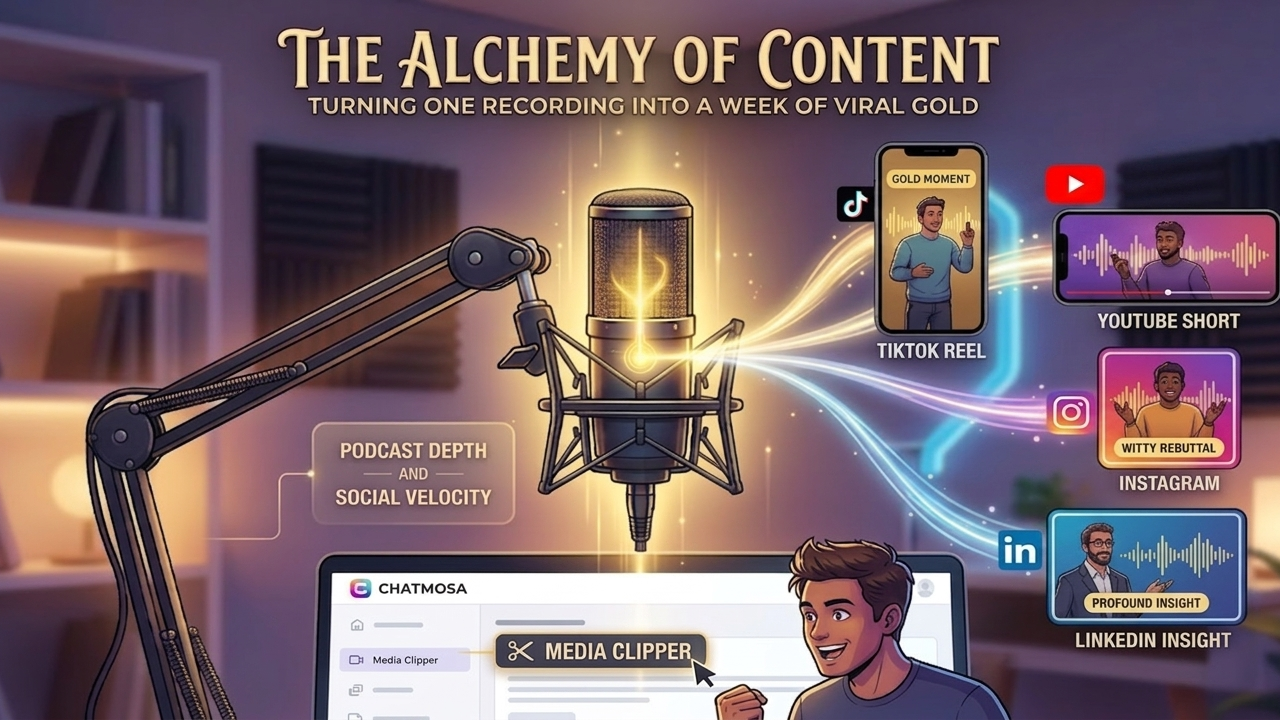
How Modern Creators Turn One Recording Into a Week of Viral Gold
- #BusinessandFinance
- #Careers
- #Outdoors
- #Sports
- #Travel
In a lively and informative 24th episode of Chatmosa's podcast, the team engaged in a dynamic conversation weaving together themes of biking culture, innovative publishing strategies, and the evolving landscape of platforms like Substack. Hosted by David, Head of Product at Chatmosa, the session featured on-location insights from Alec, who was attending the renowned Sea Otter Classic bike festival in Monterey, California.
### Key Highlights
The episode began with a humorous round of introductions from the Chatmosa team, which set a relaxed tone for the discussion. Alec, amidst the buzz of the bike festival, shared his firsthand experiences of e-bikes and the exciting developments happening in the biking world. "It’s a gorgeous day here at the Sea Otter festival—filled with bikes, accessories, and, of course, many bike enthusiasts," he exclaimed, capturing the essence of the event.
Alec introduced Casey Welch, a product specialist from Aventon, who provided fascinating insights into the latest in e-bike technology. Aventon’s focus on innovative features, such as electronic mountain bikes with built-in gyroscopes and 4G connectivity, showcases the brand's commitment to enhancing the riding experience. "You don’t just buy a bike; you acquire a whole ecosystem around your biking journey," Casey shared. This peek behind the curtain of e-bike technology invigorated listeners about the future of biking, especially for those looking to balance exercise with convenience.
### Transitioning from Publishing to Podcasting
The conversation then transitioned to a discussion around Substack and the recent exodus of writers from the platform, sparked by the changing political climate and shifting user experience. Camille, one of the hosts, mentioned, "There’s a concern among many creators about the content that’s being prioritized on platforms like Substack. It’s causing many to question their presence on the platform."
This discussion sparked a collaborative brainstorm session on how Chatmosa could serve as an alternative destination for writers seeking community and visibility. David posited opportunities for podcasters and writers to aggregate their content on Chatmosa, supporting them to build their audience through podcast releases and written articles. "Let’s empower creators to produce without the barriers they face elsewhere," he urged.
### Actionable Insights
1. Leverage Integrated Content: Podcasters should consider using Chatmosa as a comprehensive content platform. By recording sessions that can be transformed into both audio podcasts and written articles, creators can maximize their reach. As David noted, "You don’t have to replicate content; let it serve multiple purposes."
2. Embrace Experimentation: Nish shared her journey of blending writing and filmmaking, urging others to freely experiment with their content. "Just throw something against the wall and see what sticks," she advised, encouraging a spirit of creative exploration.
3. Community Engagement: The episode underscored the power of community in podcasting. As Auntie Derek described the camaraderie in their daily sessions, he reflected, "It’s like kitchen table talk, and now everyone gets to join in. That connection is invaluable.” Engaging with fellow creators not only helps foster community but also enriches the podcasting experience for both hosts and listeners.
### Conclusion
This episode of Chatmosa not only provided insights into the current biking trends but also stimulated thoughtful dialogue around the challenges and opportunities in the publishing space. By presenting a platform that encourages creativity and community, Chatmosa aims to help creators tell their stories in unique and impactful ways.
Listeners are invited to explore this episode and engage with the ongoing conversations happening at Chatmosa as we continue to build a supportive ecosystem for podcasters and writers alike.