Cover Image

About

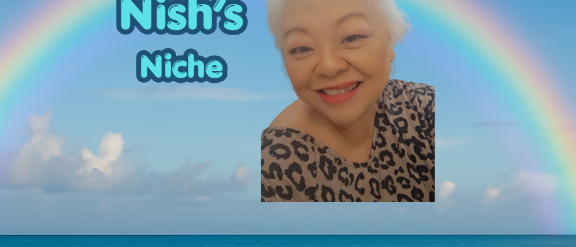
logoWelcome to Nish’s Niche!

I’m Nish (Karen) Nishimura, a retired entertainment industry veteran, lifelong writer, and your host here on Chatmosa. With a background spanning professional writing, journalism, and media production for major studios, I’ve spent my life telling stories. Today, I use Nish's Niche – Delightful Inspirations as a digital sanctuary to share wisdom, humor, and heart.

Whether we’re exploring the arts, tackling meaningful life insights, or finding laughter in everyday moments, my goal is simple: to offer a bit of peace, inspiration, and joy to help you navigate life a little more happily. Grab a cup of coffee, stay a while, and let's explore life's brighter side together!

Sessions & Articles

How It Works
1
Listen / Participate

ENTER a LIVE Session of your choice.

Listen in or request to become a speaker to share your story through links, photos, or screen sharing. Want to connect face-to-face? Turn on your camera to share your live video feed — whether as a small avatar or as part of a panel displayed on the jumbotron.

2
Host A Session

At the top of each page, click the Create Session button. Share the link with your newsletter subscribers, social media followers, or other intended attendees.

Bring your stories to life through links, photos, screen sharing, or your device's camera feed. Engage your audience with interactive polls.

You can make your session open to everyone, keep it private, or set an admission fee for exclusive access.

3
Become A Podcaster

Chatmosa streamlines podcast production, whether you're hosting solo or collaborating with others in your session. And the best part? You can publish your podcast directly from your mobile device—making it simple to record, manage, and share your content anytime, anywhere.

This feature is available exclusively to paid subscribers. Head to your Account Settings to set up your podcast—add the right information and upload the required artwork.

Once set up, an RSS feed will be generated for you and hosted by Chatmosa. Simply copy and paste the link into your preferred podcast platform. That's it — set it and forget it! Your public and recorded sessions will automatically be added to your podcast feed.